


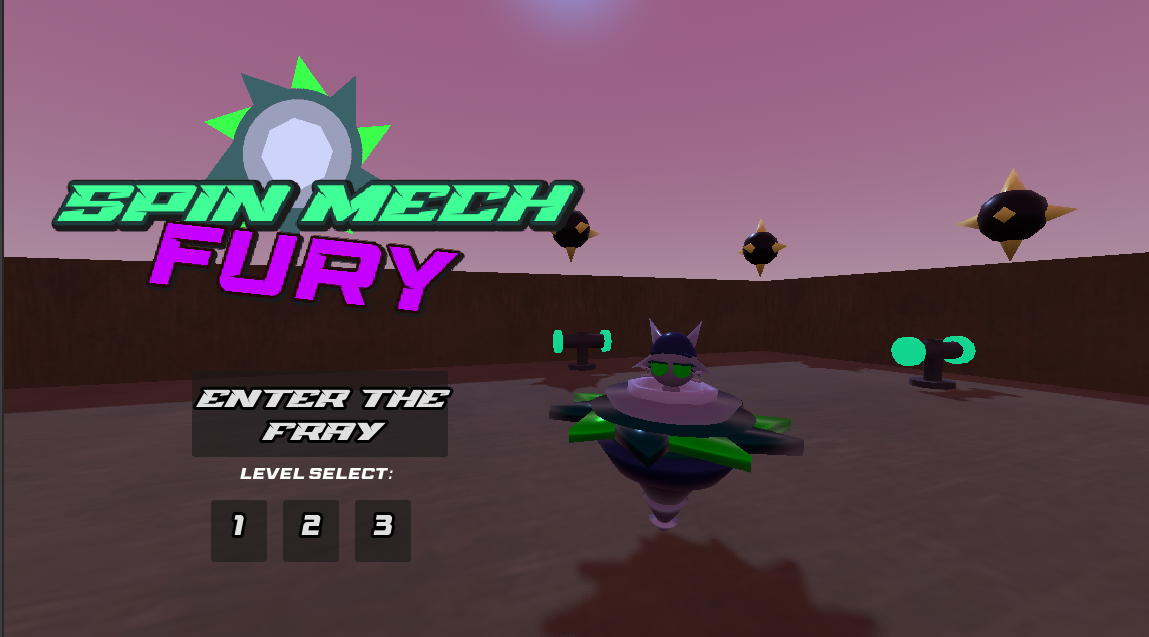
SPIN-MECH FURY
CONTROLS:
| BUTTON | ACTION | TIPS |
| MOVING THE CURSOR (ANY DIRECTION) | Guide your SPINMECH | To move slower, simply place your cursor closer to your Spinmech |
| HOLD LMB | Charge a DASH (DONT OVERCHARGE!!) | Your Dash refills your spin meter, which is crucial to survival. Keep refilling it to stay alive. Charge into big blue buttons to see what happens! |
THE MISSION
The name's Karma... seems like Destiny is up to her foolish terrorist acts again.
I'll have to go up there with my new Hot Rod (SPIN-MECH) and show her how to behave.
NOTE: The game has been optimized and should load significantly better on the web! If you'd like to turn back on the old vfx you can do so through the toggle, though it is not recommended if running through the Web version. The downloadable is also recommended if you experience frame-rate issues that impact your enjoyment of the game.
Tips & Tricks
Can't get through Destiny's Defenses? Well then... listen up.
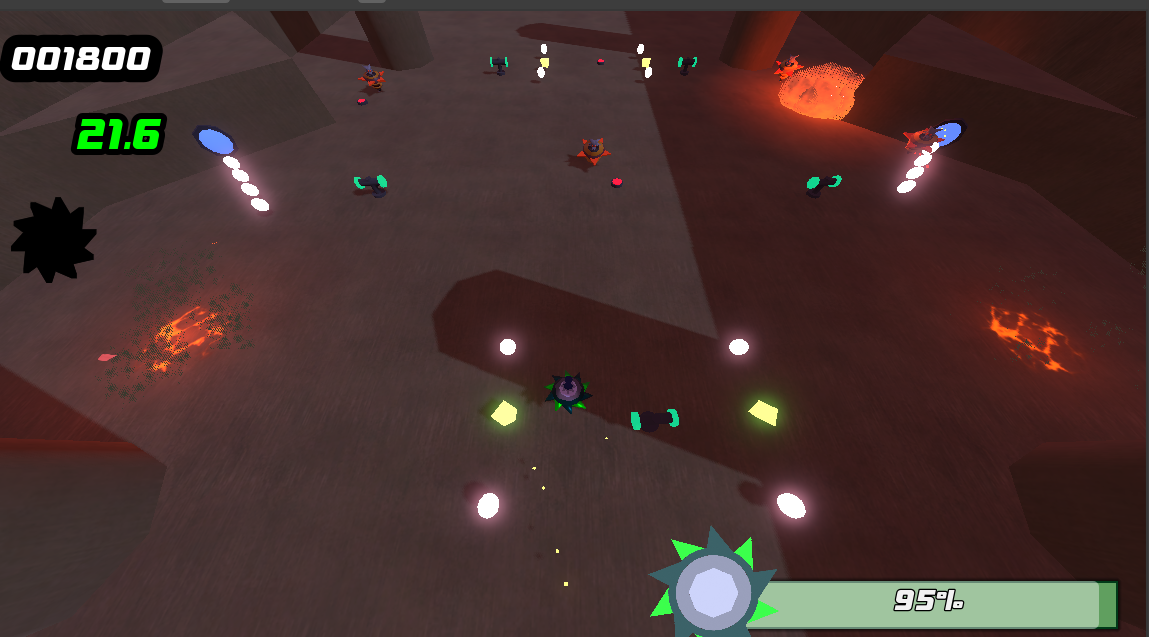
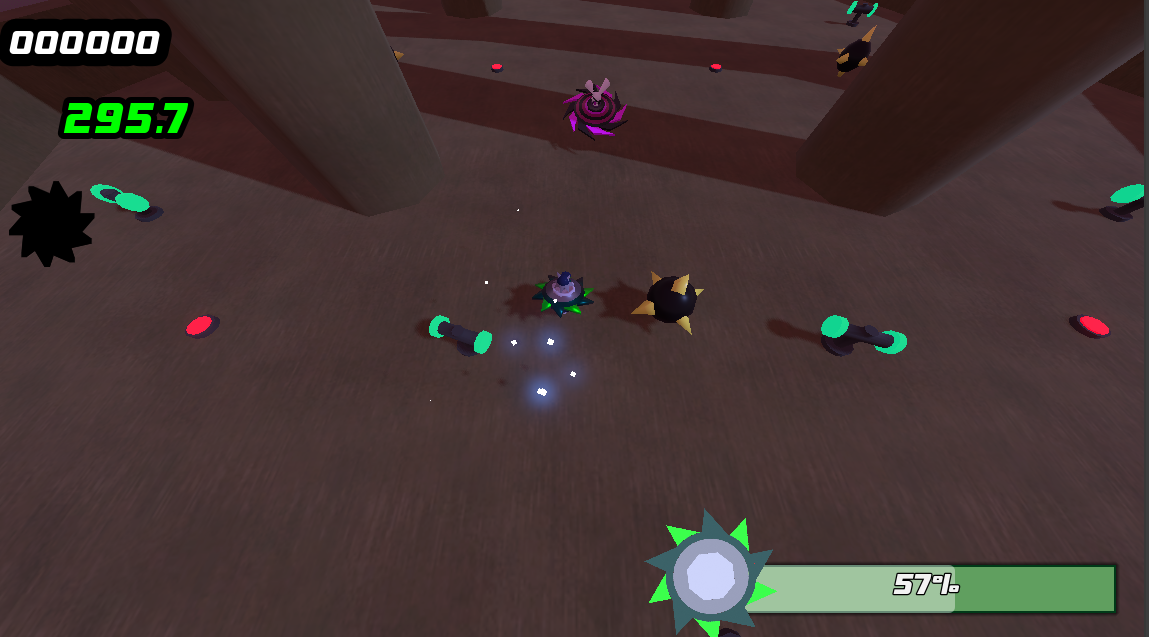
- Those spinning green platforms serve as both checkpoints and as recharge stations. Be sure to fuel up!
- Don't always hold fully forward, unless you wanna scrap up that beautiful piece of hardware. Keeping your mouse close to the spinmech will slow you down and give you back some control.
- Enemies can dash too, and getting hit by them at full speed can do some serious damage to your spin. Keep a look out for sparks!
Hotkeys: F toggles fullscreen, K instantly kills Karma for resetting purposes.
Download
Development log
- Explosion VFX Optimizations!2 days ago
Leave a comment
Log in with itch.io to leave a comment.